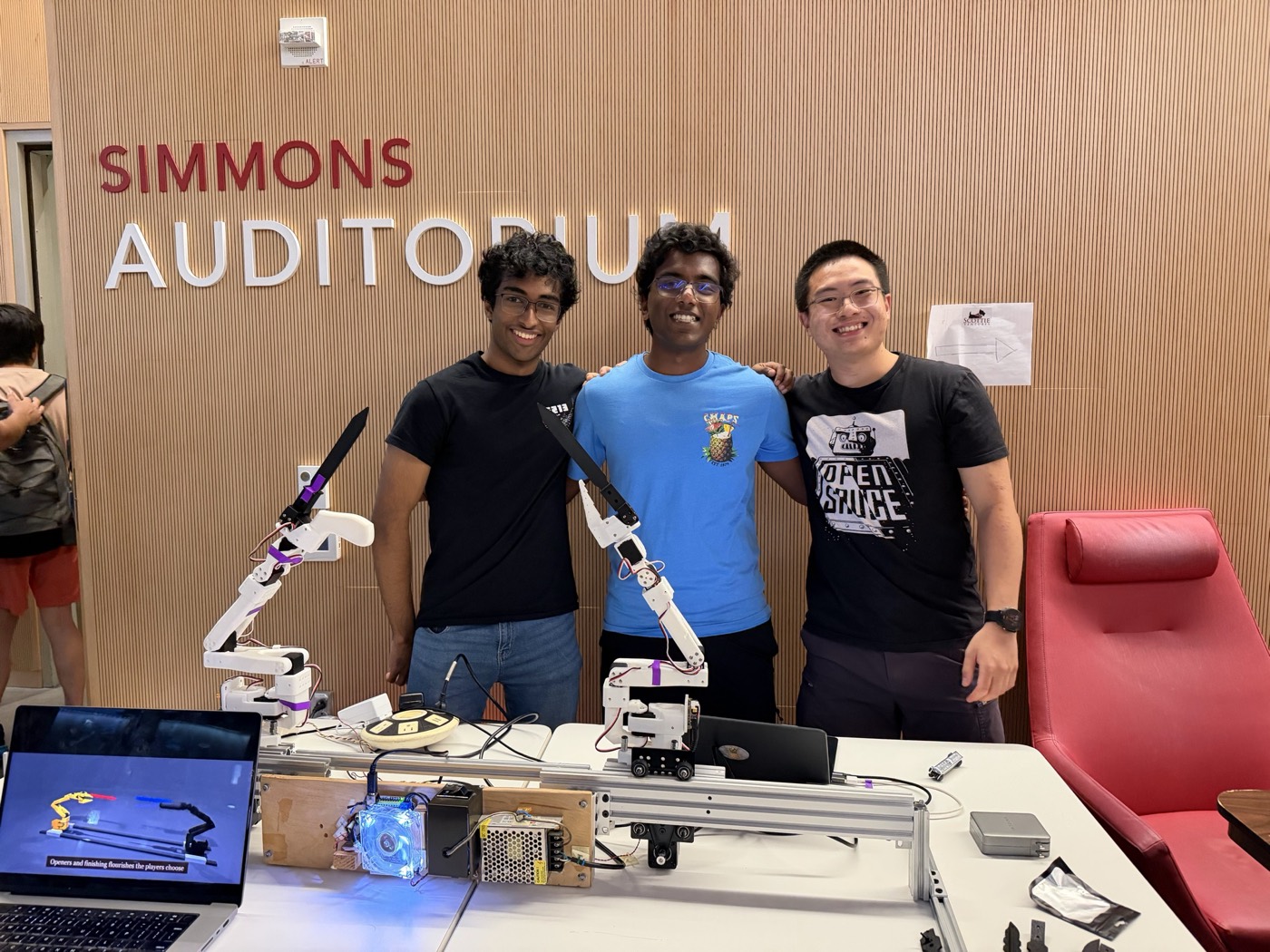
At HackCMU ↗ (Sep 11-12, 2026), Chris Shi ↗, Siddharth Radhakrishnan ↗ and I won the Grand Prize with our project Robot Jousting. Two robot arms with 3D-printed swords slide towards each other and fight, with players controlling the moves they make on their phones. This was an incredibly fun experience, and I want to share our design process and go into detail about my contributions.
The game
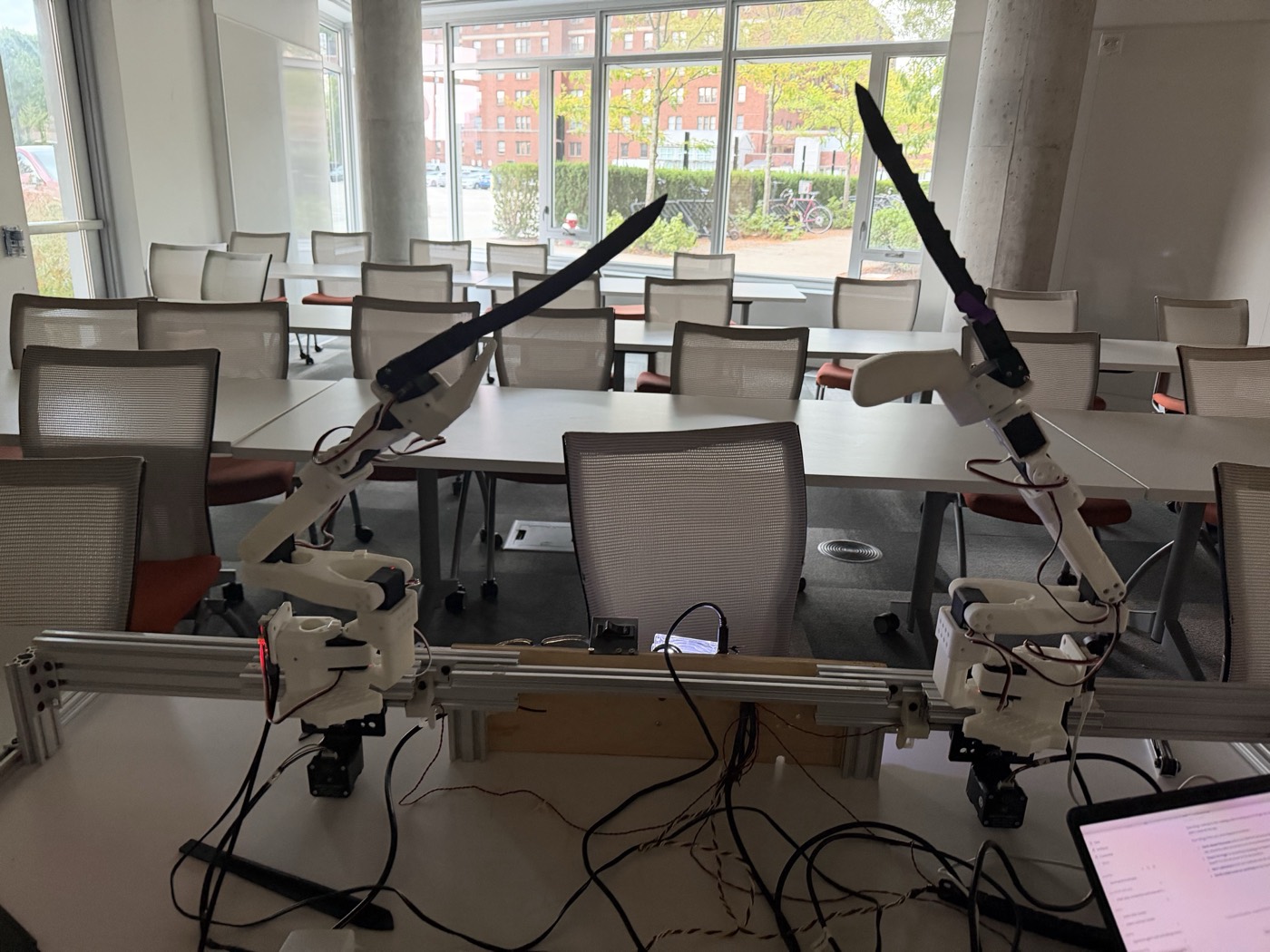
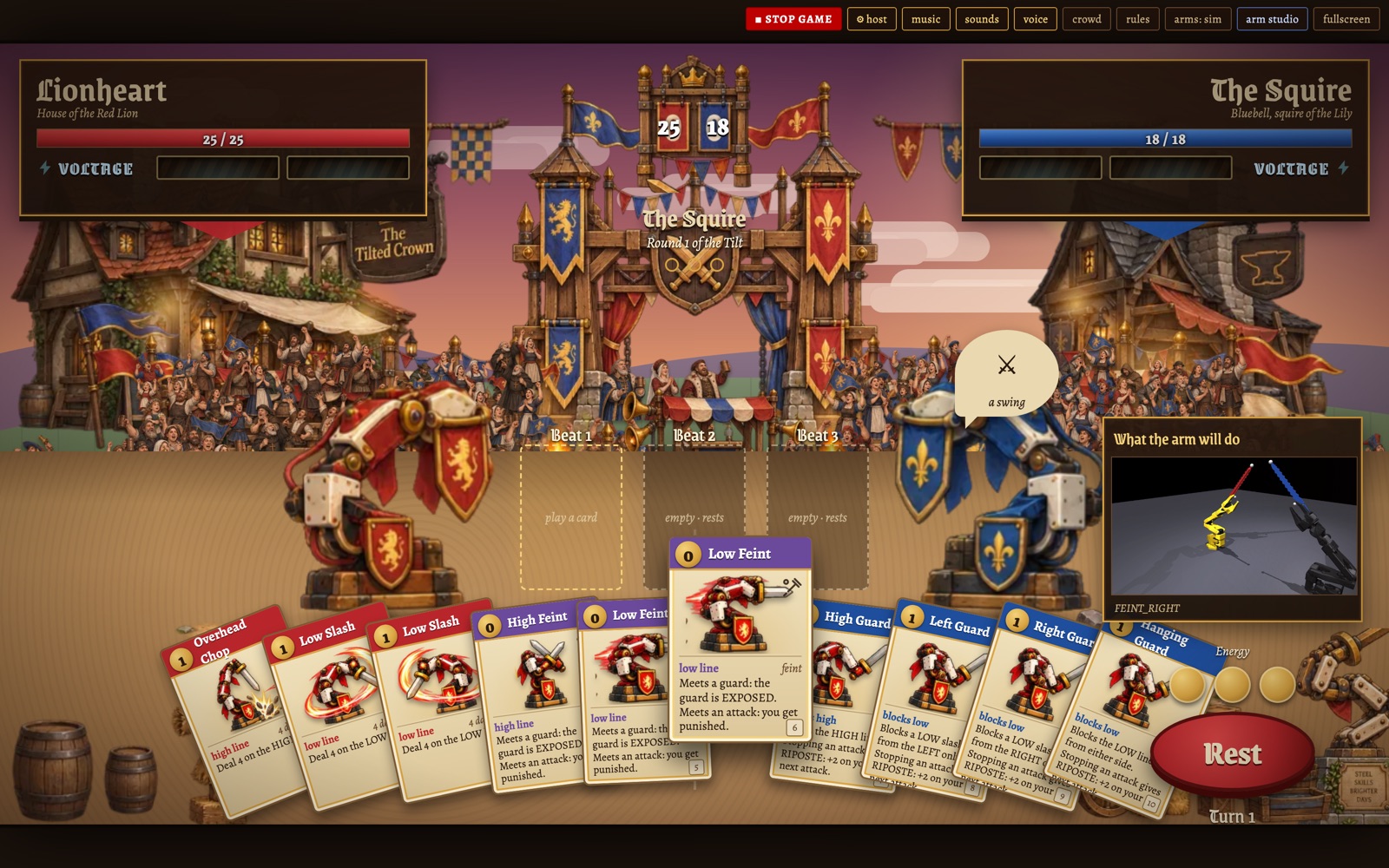
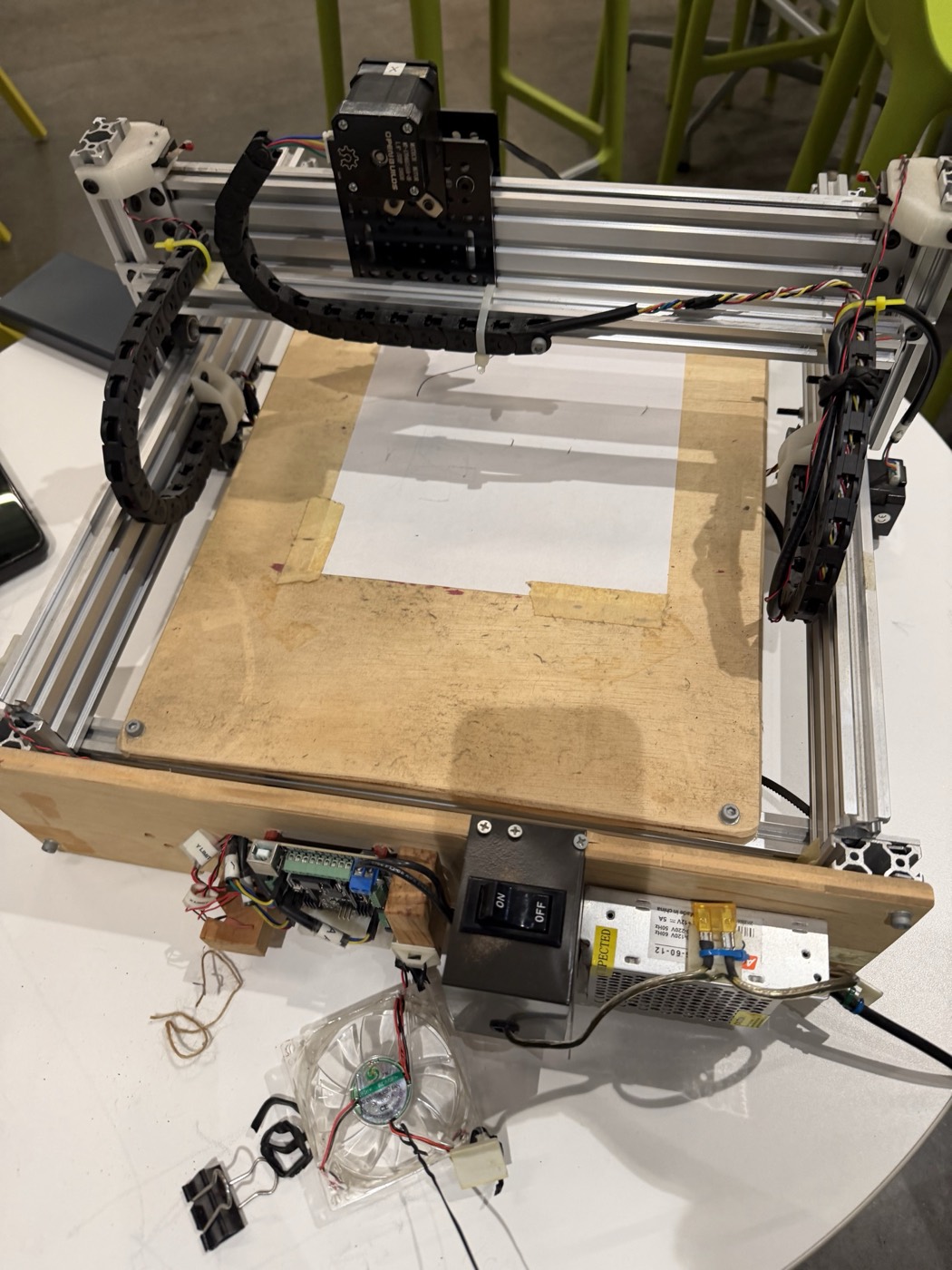
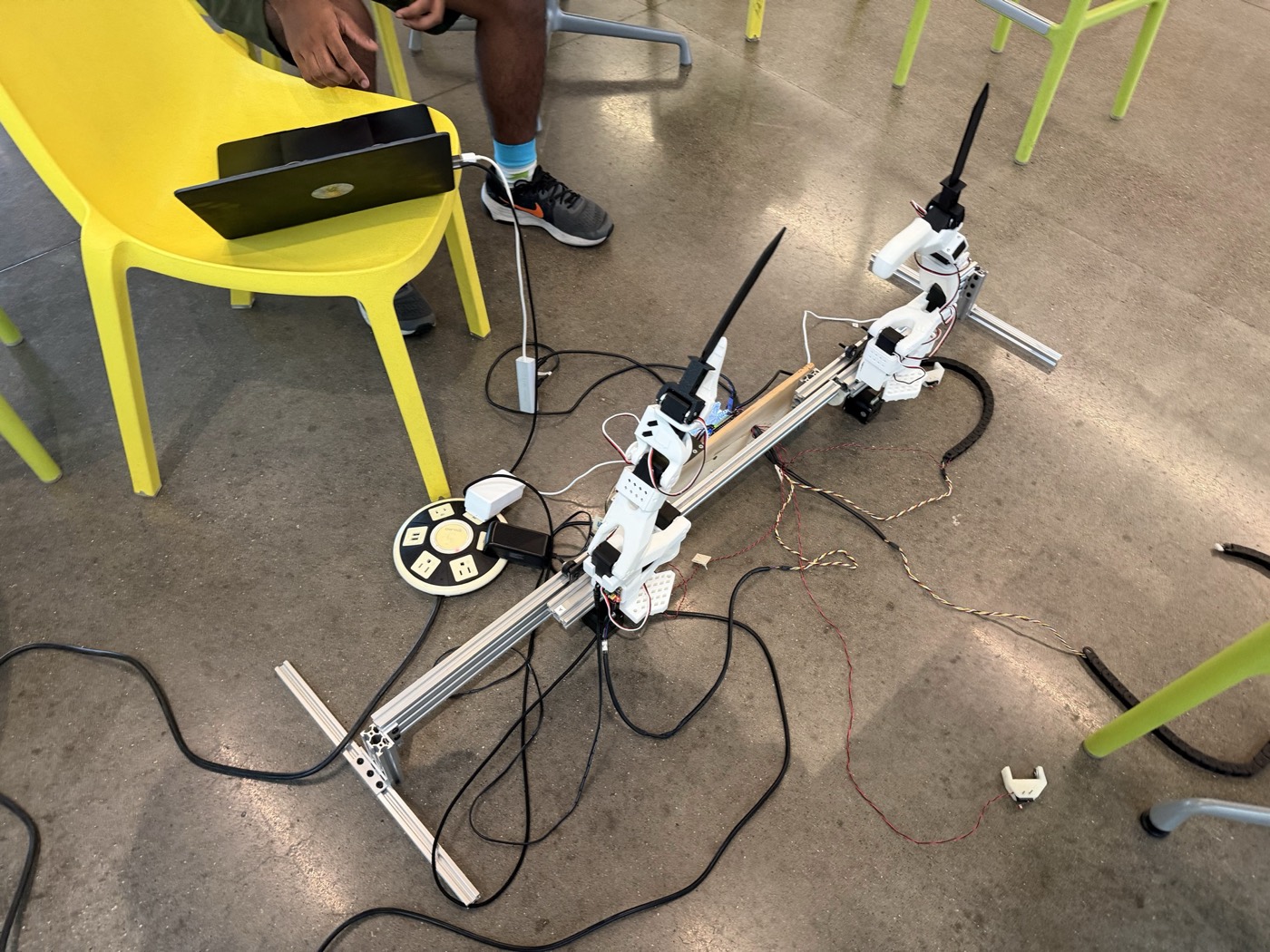
Our inspiration was a Slay the Spire type game but with actual SO-100 and SO-101 robotic arms equipped with 3D printed swords doing the fighting. Two players compete against each other and can choose the sequence of moves their robot makes through their phones. The gameplay proceeds in rounds, where in each round players choose a chain of 3 moves. After locking in their selections, the arms charge towards each other on rails built from a two-axis CNC gantry and perform both chains together. However, players are constrained in the moves they can use via a card system, so they must be strategic and try to predict their opponent’s moves.
To determine who wins a round, a fixed move set and rules table are used. There are three main classes of moves: attacks, blocks, and feints. Similar to rock-paper-scissors, attacks beat feints, blocks beat attacks, and feints beat blocks. Thus, the outcome is decided by the set of moves that each player chooses, and the arms perform it. This eliminates a lot of potential headaches such as predicting collisions and determining winners at runtime, and instead frontloads the work into preconstructing a table of arm movements for each pair of moves, which we thought was ideal for a hackathon. Our final move set ended up consisting of 10 possible moves, leading to 100 possible combinations to configure.
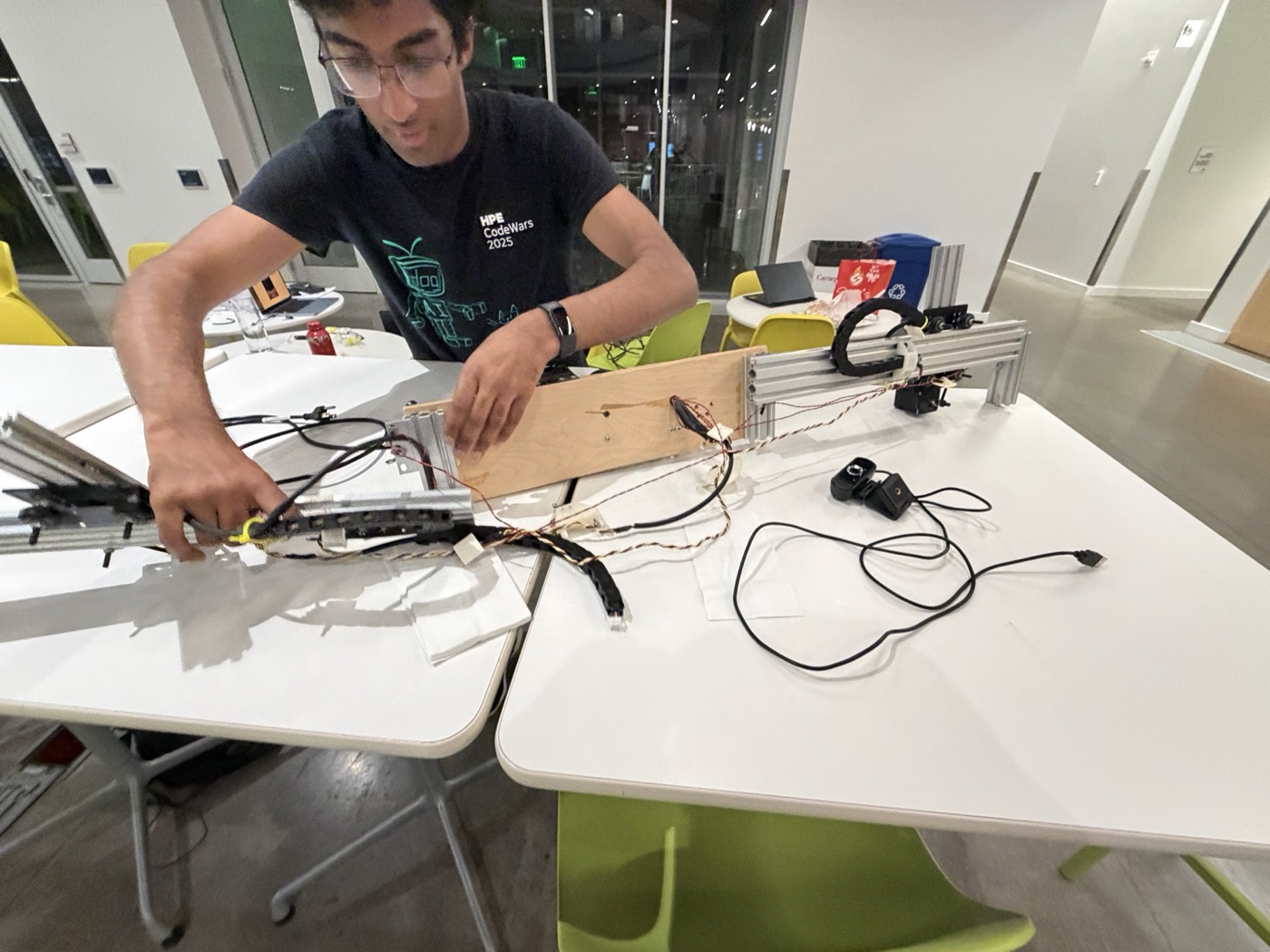
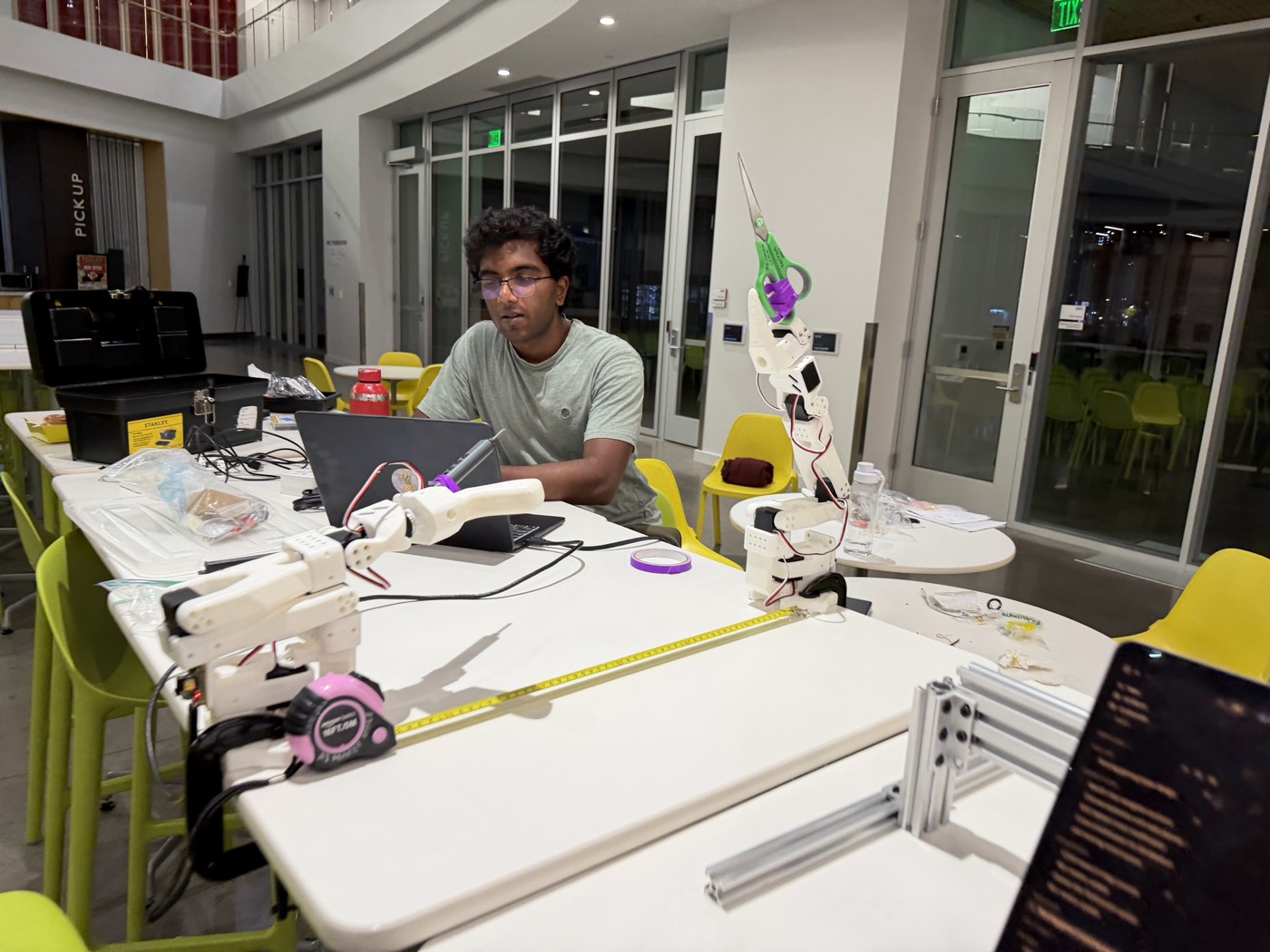
As the member least experienced with hardware going in, I focused my efforts on building the entire software controlling the arms and designing the move set, acting as the bridge between the game itself and the hardware. Chris and Siddharth worked on the hardware, including building the gantry controller, attaching the arms to the gantry, and 3D printing swords, as well as on the game front end. However, I enjoyed learning more about the hardware while working with it and will definitely try to get more experience building with hardware in the future.
From sim
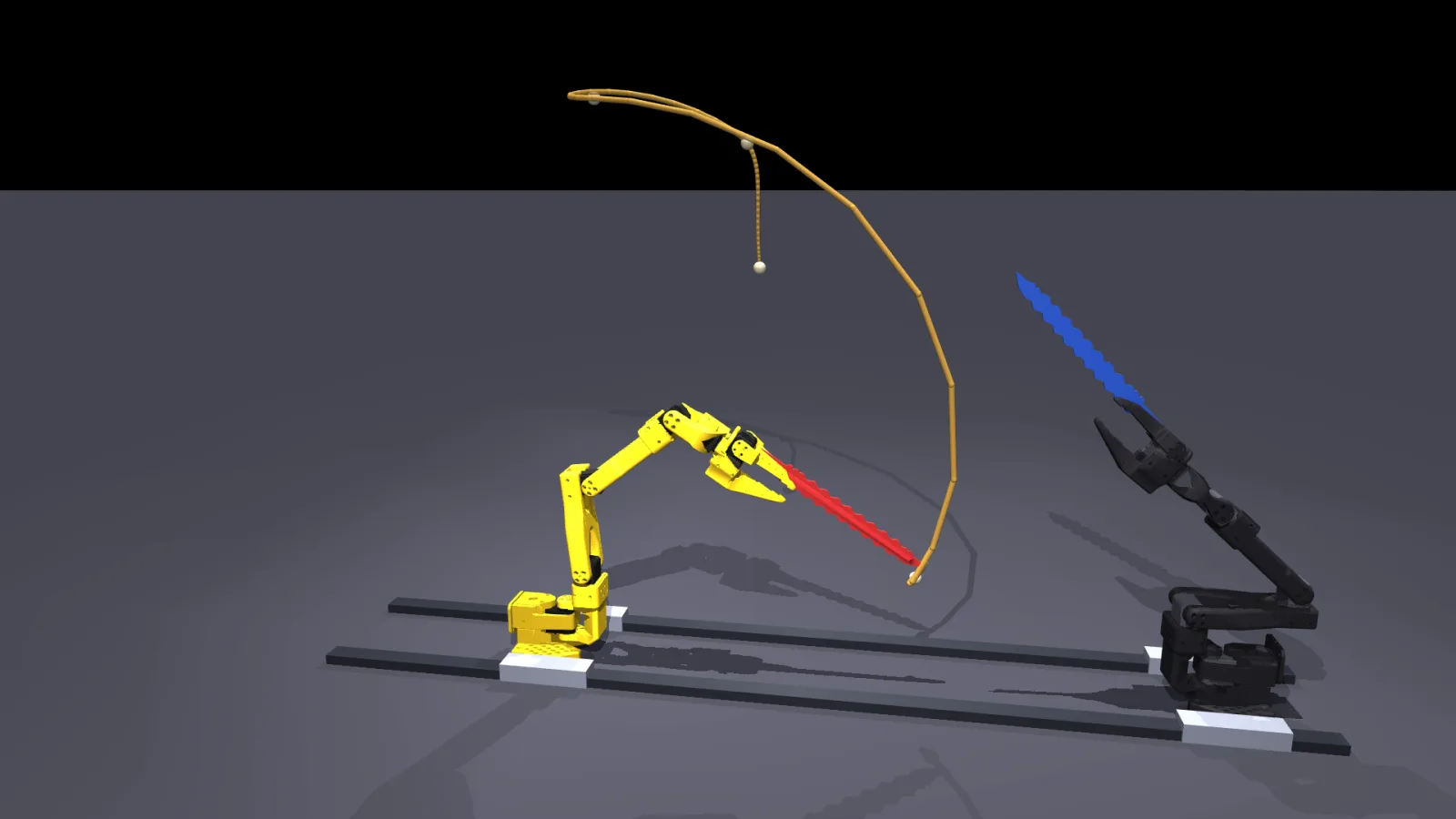
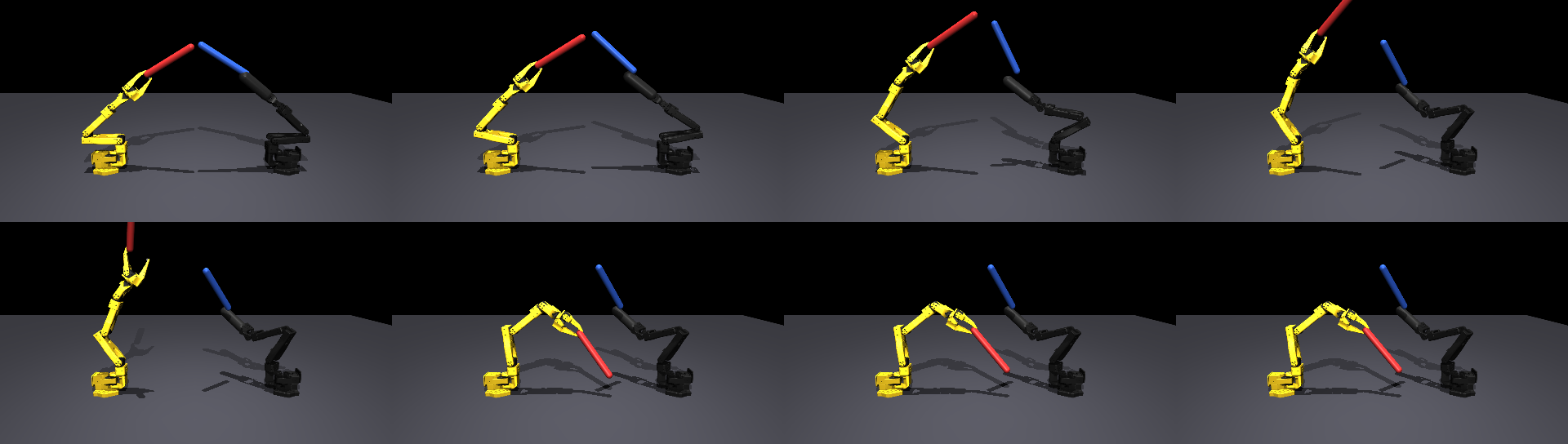
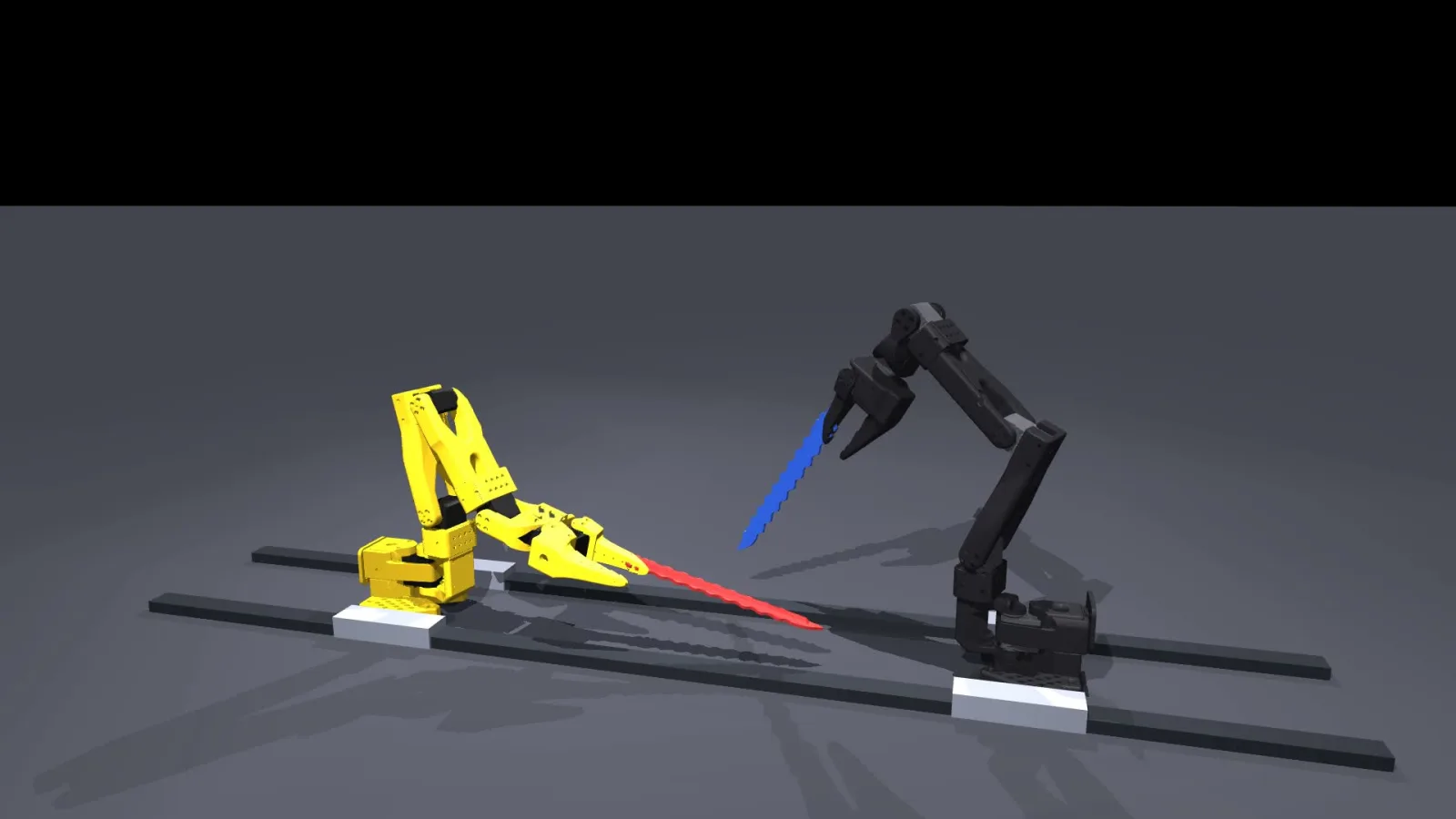
I started brainstorming possible moves in sim before we had working hardware, mainly just trying to find movements which looked cool and had clear interpretations (attack, block, or feint) and how pairs of moves would look together. I used MuJoCo as the simulation software, and placed the two SO-101 and SO-100 arms facing each other 0.61 m apart with an 8 inch blade mesh on the moving jaw, which matched how we wanted them to be in real life. Each candidate move was just one JSON parameter file, and a script turned it into key poses and splined them, then wrote a 50 Hz trajectory in real-arm degrees and rendered a clip.
I brainstormed up to 41 different moves before deciding on the move set. Eventually, I decided on a set of 10 moves.
- ATTACK_HIGH (overhead chop)
- ATTACK_LOW_LR and ATTACK_LOW_RL (low slashes from either side)
- FEINT_HIGH, FEINT_LEFT, FEINT_RIGHT (same windup as the corresponding attack, but snap back at the end)
- BLOCK_HIGH, BLOCK_LEFT, BLOCK_RIGHT, BLOCK_MIDDLE
- REST (not a move, but just the default resting position)
For each pair of these moves, I also recorded their interactions, such as when one move counters another or which pairs of moves cancel out. The general system is that a successful block counters an attack, a feint counters a block, and an attack counters a feint, leading to a rock-paper-scissors dynamic. With 10 moves, there were 100 combinations and 196 transitions in total, counting in-between poses. Later, I realized that each of these would have to be tuned to avoid hard collisions, but for now I wasn’t worried about that.
To real
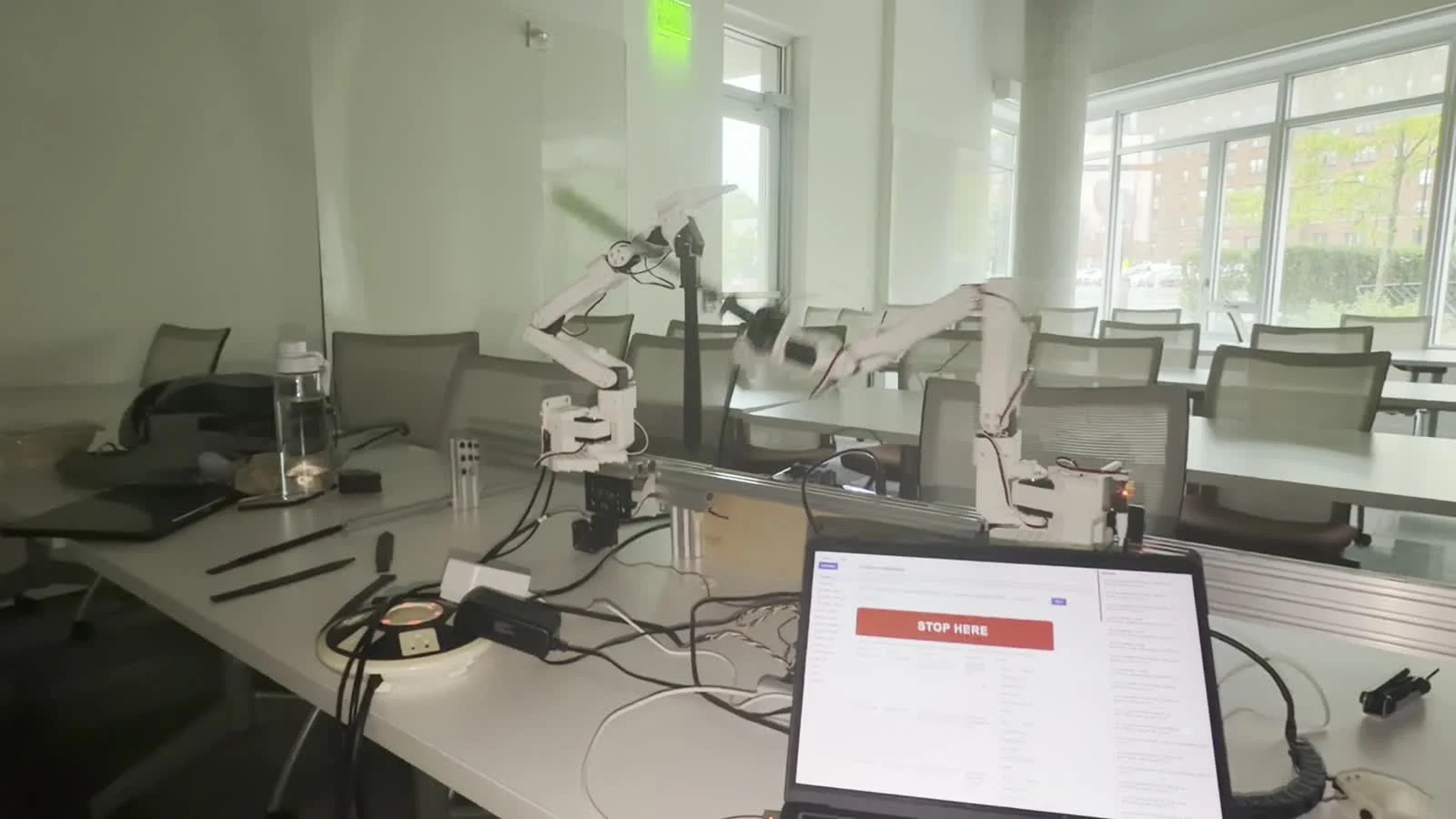
Directly playing the simulated movement on the real arms did not work very well. Each arm had to be calibrated individually first, and the moves had to take the calibration of the arm into account. Each arm needed a separate calibration and move sequence. Even then, small differences in some of the motor positions still messed up the move. Additionally, there were some hard limits, such as the table and the other arm, which were not accurately captured in the simulation due to differences between the simulation and the real setup.
My next attempt was to reteach the motions by hand. I turned off the power to the servos and physically pulled the arm through the motion I wanted. A script would record the joint readings and play them back. Unfortunately, but as expected, these motions were both slow and very wobbly, often 10x slower than I wanted the move to actually be. However, I created a script which picked out a handful of key poses and interpolated between them using inverse kinematics, making it smoother and faster. Additionally, since the move is now parametric rather than a pure recording, the same description regenerates it for the other arm with its own calibration. This actually worked very well, and I did this for most of the 10 moves.
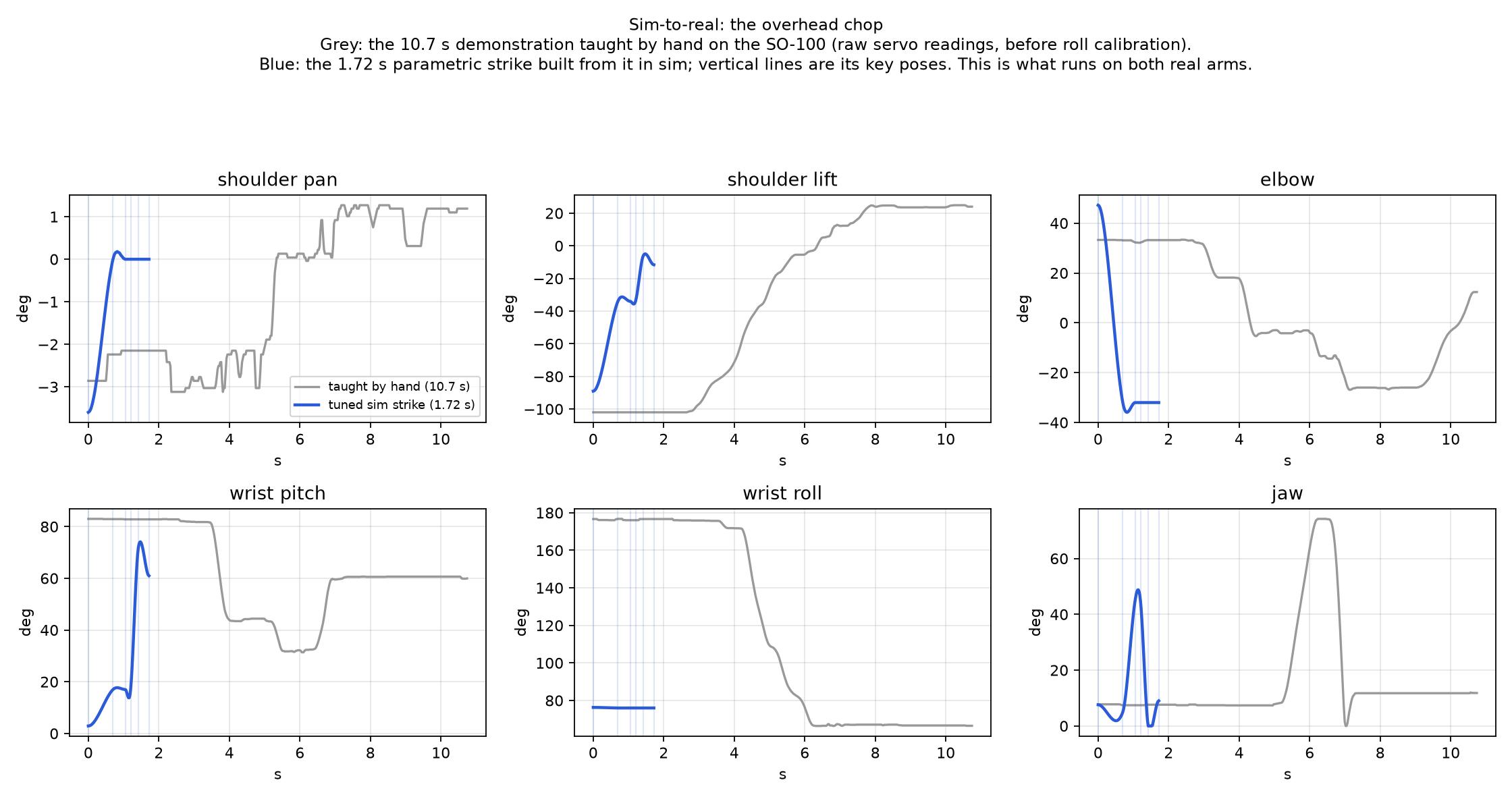
Eventually though, I realized that physically making the motions on each arm would be too slow, especially since I would have to do it on every combination of moves together. Instead, I came up with a system where I would capture the arms at the START and END keyframes and let the generator interpolate between them using inverse and forward kinematics helpers. Even for complex motions, two keys were usually enough, and generating the trajectories was fast, so I could iterate quickly when tuning how a move looked.
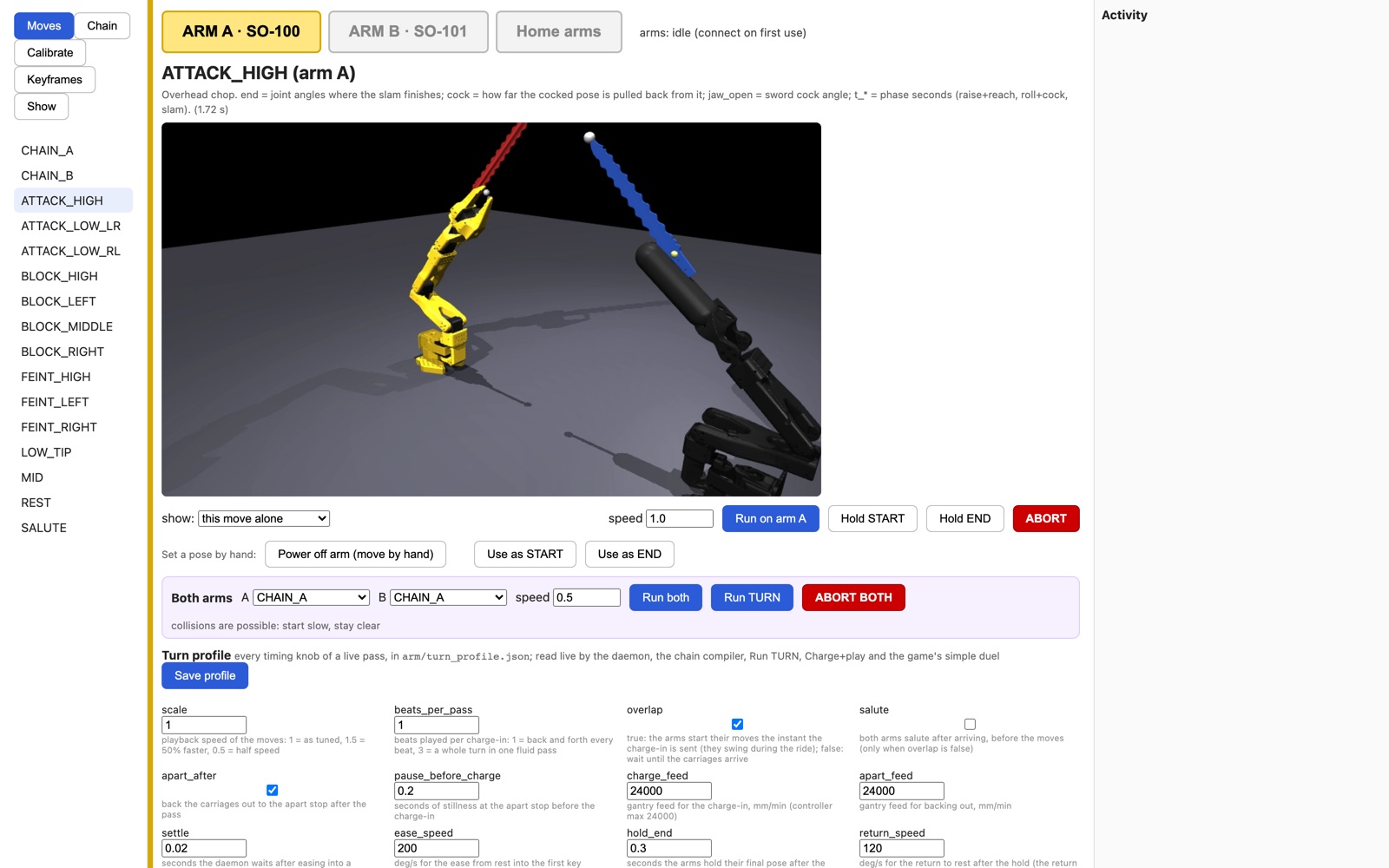
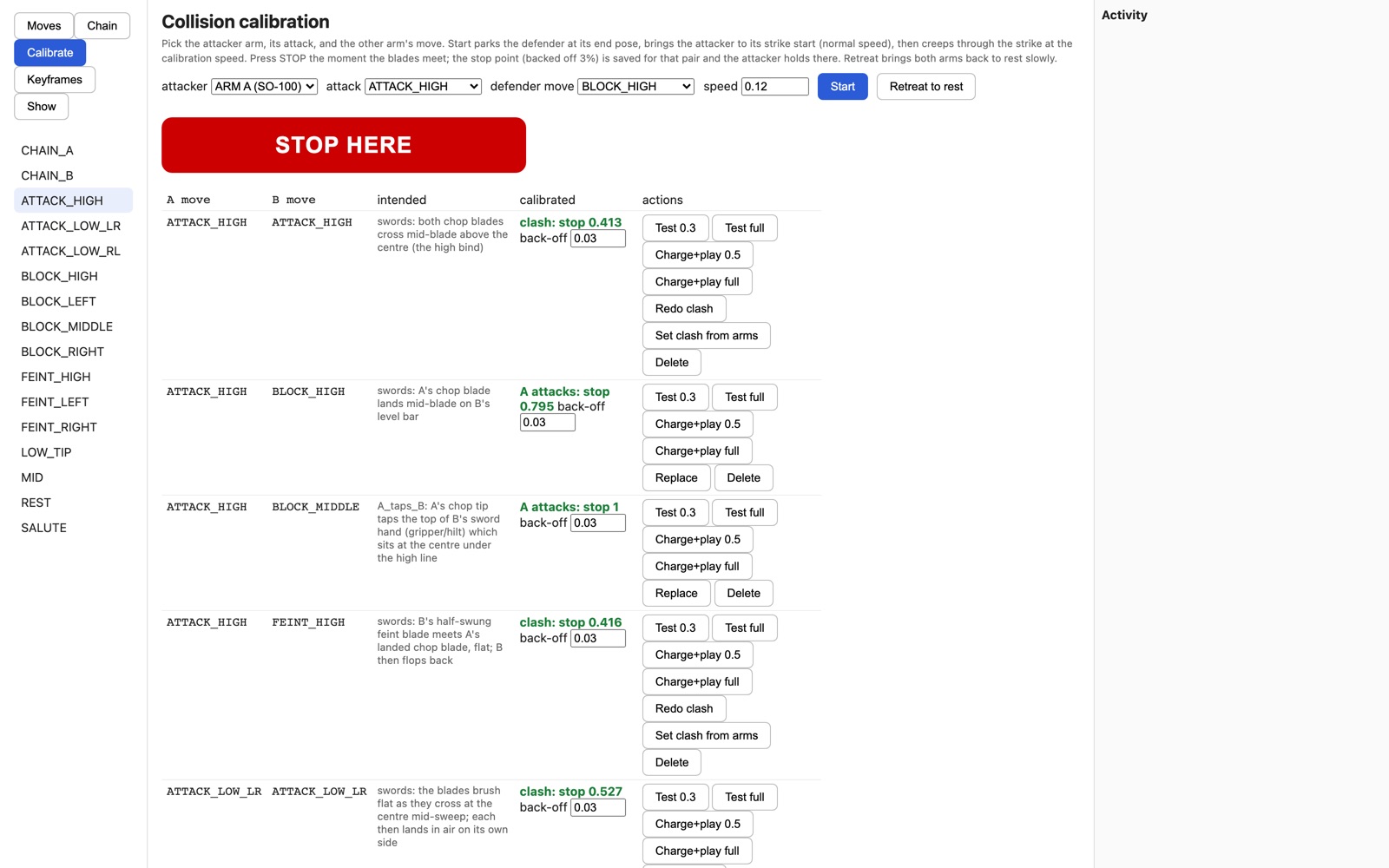
This process was still complicated though: for each move, I would have to move the arm into the start and end pose, capture it, generate the trajectory, have it play out, and keep adjusting. With 10 moves and 100 combinations, this would still take a long time. To streamline this process and also allow my teammates to help with it, I made a dashboard which could go through this process in a few seconds. Using the dashboard, I could pick a move from the list, preview it in sim, run it on either arm, and adjust and capture the START or END positions. I also had more fine-grained control with direct access to trajectory parameters as well as higher-level control with a button that sends a description of what I wanted changed to an agent which built out the new trajectory and verified it in sim. Later stages, including chaining moves in sequence and calibrating collisions between arms, were built into this dashboard as well.
Putting things together
When testing with both arms together, we realized that moves that we had calibrated in isolation would not work together. The 3D printed blades snapped often, and worse things would have happened if we kept letting the arms hit each other. To address this, I decided to calibrate every pair of moves so that the arms would never collide hard. I used the same trick as before: I moved both arms to a position where they were almost touching and set that as the END keyframe for that move pair. Then, I would run both arms at 30% speed and manually tune where the arms stop, ensuring that they make contact consistently but never with much force. This was repeated for each pair which had such a collision.
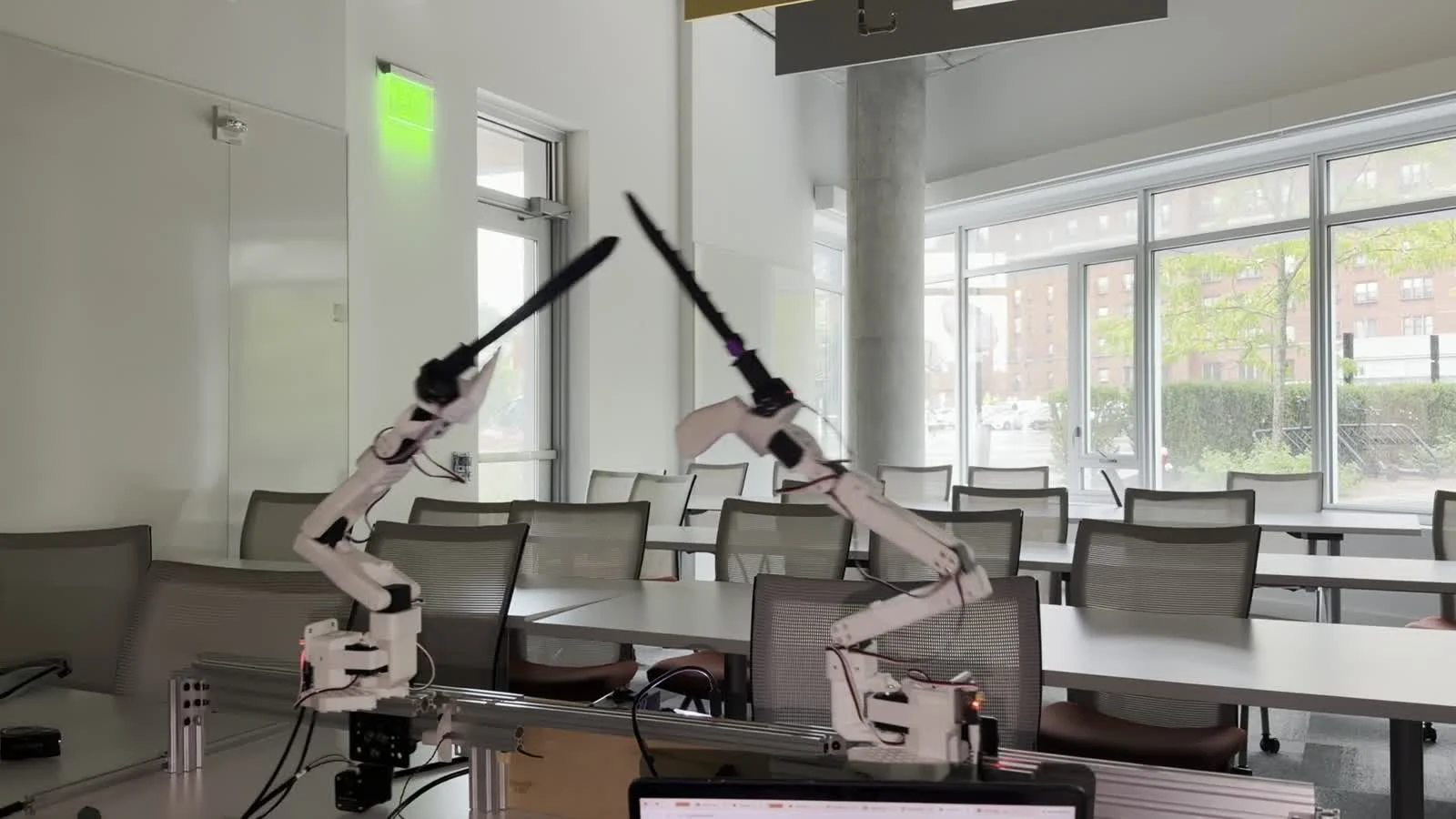
The final stage of the project was chaining sequences of moves together. A turn consists of three moves, and each move ends somewhere different from where the next one starts. The default motion at that point was to snap back to rest between each move, which was not very exciting. I started by looking at all 10 moves in motor space and choosing a few poses which were in the “middle” of all the 10 moves. This way, the arms can move through them as intermediate poses between moves, allowing for more variety and flair while keeping a smooth motion. For each pair of moves, I used these intermediate poses to design a transition table, which stored the exact motions between consecutive moves. The final caveat to address is that both arms need to be in sync for the moves to work. When determining trajectories at the start of each round, the software stretches out the motion of one arm if it will be slower than the other arm. This way, the animation is scaled so the impact lands on the same real instant and the arms are always in sync.
Final thoughts
There are a couple of directions I could see for extending this project. First, the gantry system was not utilized in the fight except for sliding in at the beginning and sliding out at the end. It would be cool to control the position of the arms on the gantry during the fight as well. The biggest change to this project would be to reverse an early design choice and allow for closer to real time control of arms. Instead of having players choose from premade moves which are then played out, we could have players make moves in real time. However, it would be much harder to coordinate both arms without having major collisions if both arms move in real time, and we would have to compute the interpolations at runtime, which would be slow. Another way we could make the game more exciting without fully allowing players to control the arm in real time is to have the software generate more creative and theatrical movements at the start of each round. There are a lot of potential approaches we could use for this, even including diffusion models or VLA models to design movements constrained by certain keyframes and avoiding hard collisions with the other arm. These types of problems are super interesting to me, but unfortunately are not something we could get working during a hackathon.
I couldn’t have done this without my amazing teammates Chris and Siddharth, who, among other things, obtained and fully set up all the hardware used in this project. Some additional links:
- Code: github.com/avnithv/robot-jousting
- Chris’s write-up: chrisshi.com/robo-jousting
- Trailer: youtu.be/Ol8j64tkMzg
- Demo: youtu.be/c6h_7mXpHWY